What learners experience
How a module plays for your people once its course is live, and what changes depending on how they open it.
This page explains what your learners get once you publish a course: what plays, what help they have, and what changes with the way they open a module. Read it before you assign a course, or when a learner asks why something looks different for them.
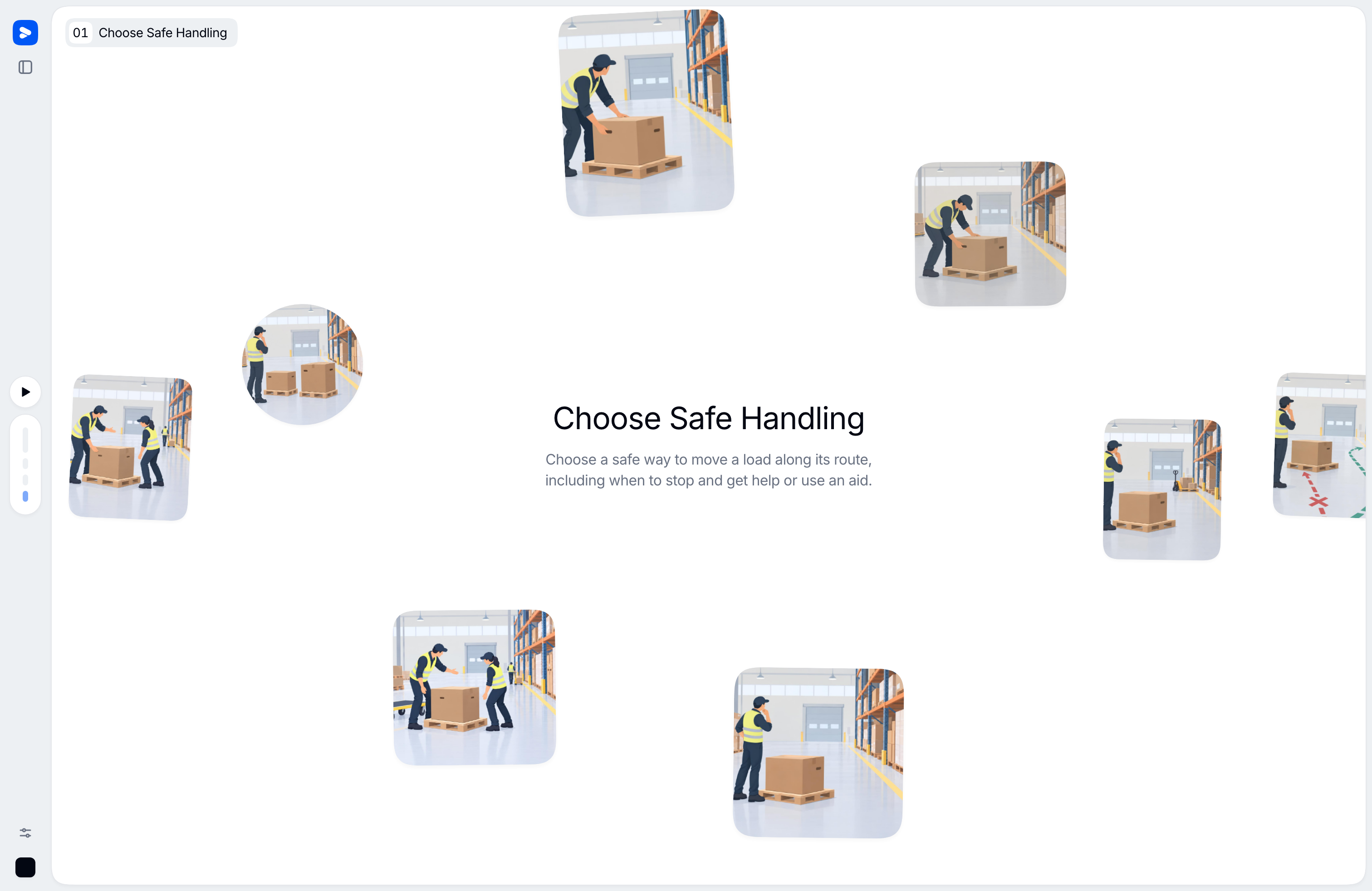
A module is one short interactive video lesson: narrated screens, sometimes a presenter, and checks along the way. Learners move through it at their own pace, answer the checks as they go, and can ask a tutor at any moment. A module reaches them only once it is Live, which happens when you publish its course. See Draft, built, and live.
The guide written for learners, with every control, is For learners. Point your people there.
What plays
- A course intro. A published course with at least two live modules opens with a short spoken intro the first time a learner starts it: the course name, one line on what they'll be able to do, and an overview of its modules in order. Vidext writes it from the course and module descriptions. Learners can skip it, or replay it from the course's panel.
- A module's opening and closing. Each module opens on a cover whose narration introduces its chapters, and closes on a recap of each chapter. The closing shows how much of the course the learner has completed and opens the tutor for a last question.
- Narrated screens. In between, the screens (the learner guide calls them scenes) play in order, grouped into chapters. A synthesized voice narrates each one, and each screen takes the shape of what it teaches (one claim to keep, steps in order, the parts of one object), with elements appearing in step with the narration. On some screens the presenter speaks to camera. On screens that list cards or steps, learners can pick a card to hear it.
- Videos and activities. Some scenes are a video, or an interactive activity the learner does on screen.
- Auto-advance, with two stops. When a scene's narration ends, the next one starts. It stops at a check, which waits for an answer (see Knowledge checks), and after an activity, where the learner moves on themselves.
Learners control the pace: play and pause, scroll or use the arrow keys between scenes, jump by chapter, change the speed, and turn subtitles on or off (on by default). They can read the current scene's narration as text and ask the tutor about any passage of it. Leaving mid-module keeps their place. Taking a module describes every control.
Built-in help
A learner who opens a module from a course assigned to them gets a tutor. It answers from the course, in the learner's language, and won't give away a check the learner hasn't answered yet. See The AI tutor. Whether the tutor appears depends on how the module was opened; see the table below.
What changes by how a module is opened
| How it's opened | Course intro | Header | Tutor | Closing shows | Progress |
|---|---|---|---|---|---|
| From the learning home, in the course's original language | Before module 1, the first time | Module number and title | Yes, with the learner's progress, other courses, web research and the learner help pages | Course completion | Recorded for the learner |
| From the learning home, in a translated language | No | Module number and title | No (the learning-home assistant is hidden too) | Course completion | Recorded for the learner, position kept per language |
| A public link, by someone not signed in | No | Title only | Only if you turned on chat when sharing; answers from the module only | Module completion | Kept in that browser, not tied to a person |
| Inside your LMS (LMS integration) | No | None | The tutor needs a Vidext sign-in, which an LMS launch does not create; don't rely on it | Module completion | Recorded through the LMS launch |
| A template preview on Home | No | Title, with a bar offering to use it as a reference | No | Module completion | Not recorded |
| An admin or member previewing a draft or a specific version | No | Title, with a banner saying it is a preview learners can't see | Answers from the module only | Module completion | Not recorded |
See it yourself
Open the learning home while signed in as an admin and you see what your people see, with a Back to dashboard link to return. Only published courses assigned to a team you're on appear there: add yourself to a team to see its courses as a learner does.
What gets measured
Time, scene completion, and check answers are recorded as learners go. See Competence vs completion.
Last updated on