How are your teams doing?
Where to see how far each team got on its courses, and who needs a nudge.
Home doesn't show how your teams are doing at the moment: its How are your teams doing? section, and the line at the end of its course list that stood in for it, are off for now.
Vidext — Teams
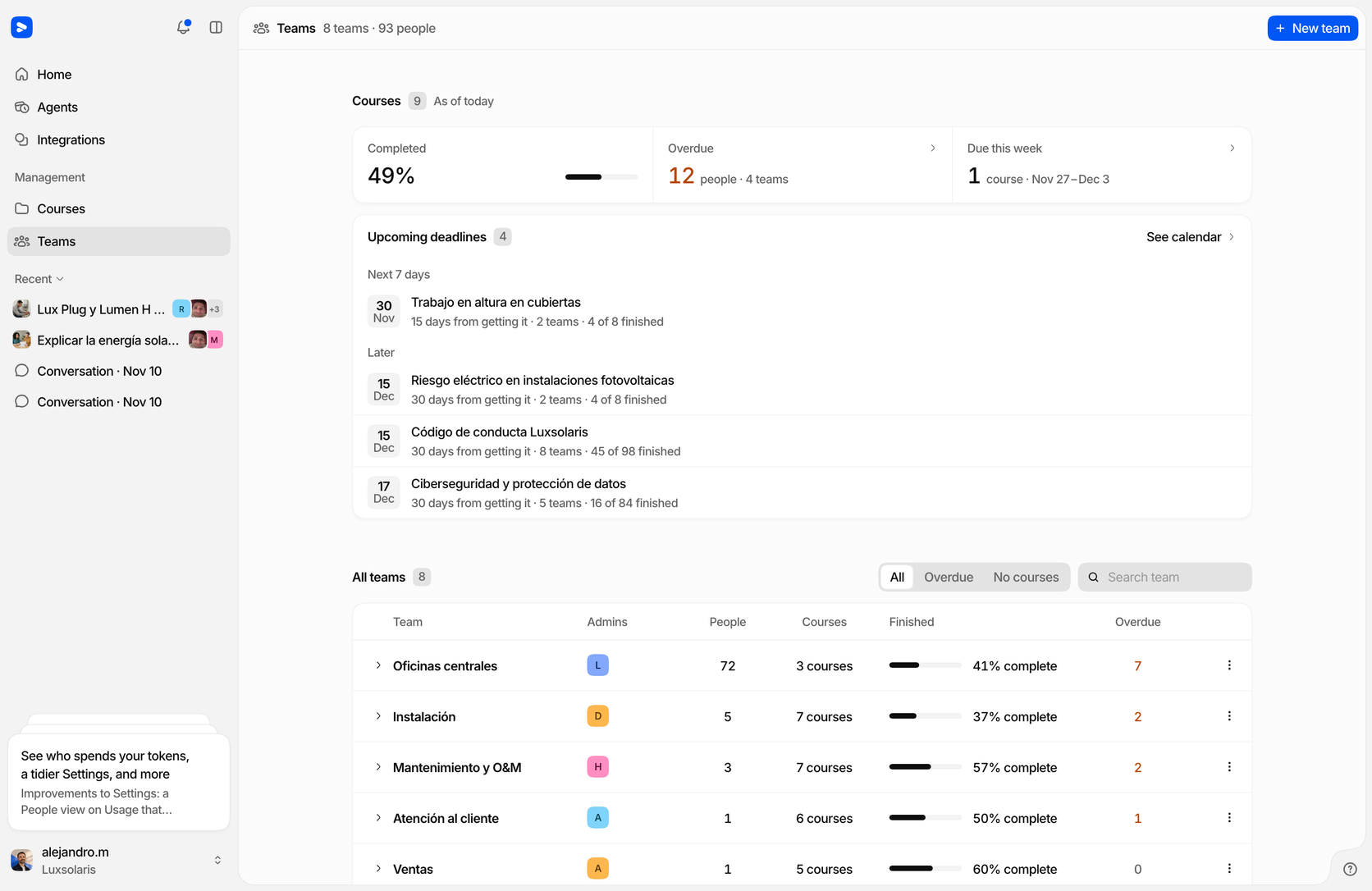
Vidext — Teams
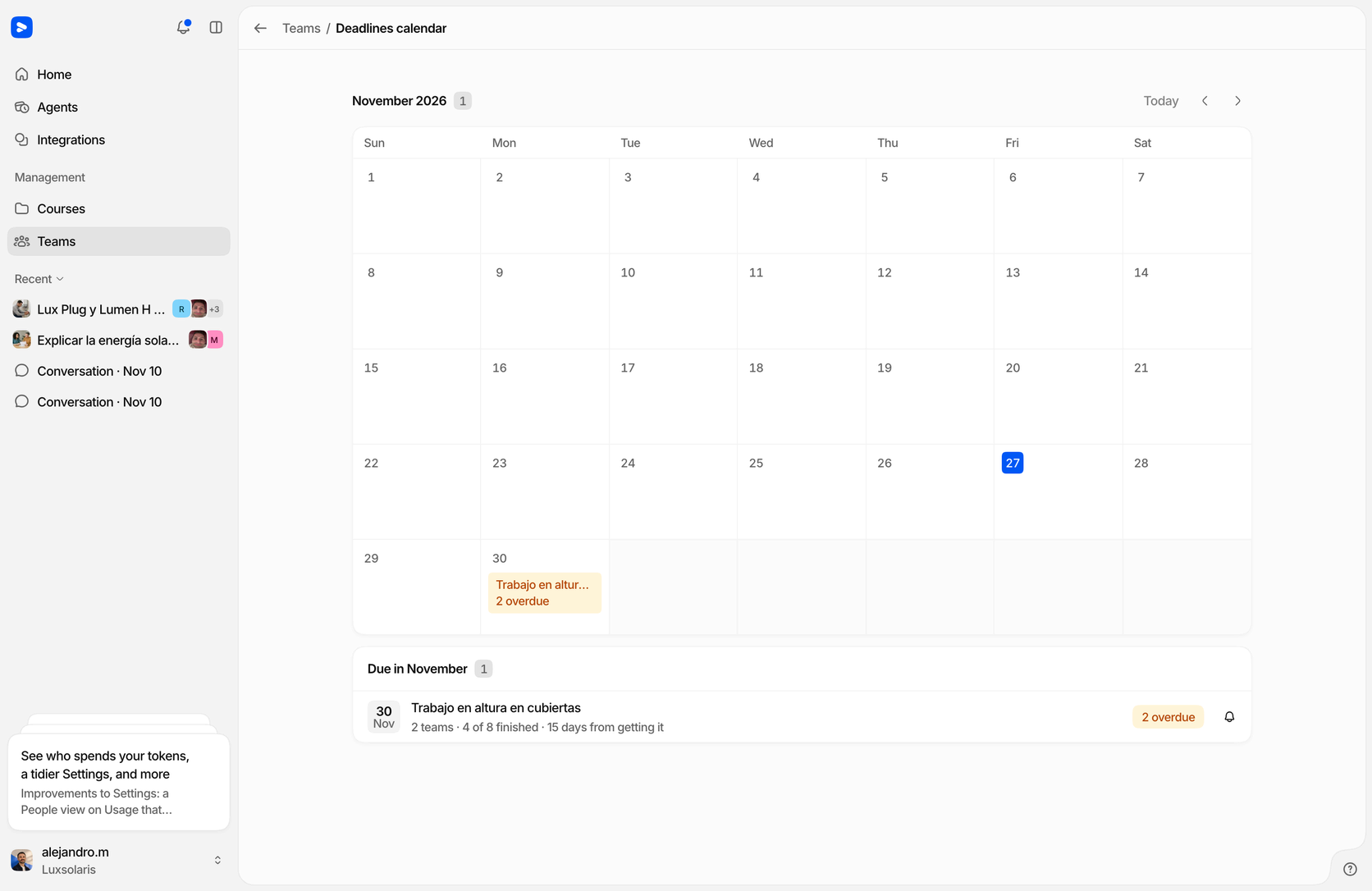
The same picture is on Teams, for organization admins and the admins of a team (see Teams and assignment):
- Courses, at the top, says how much of the work on your teams' courses is finished, optional ones too, how many people are overdue on a required one and on how many teams, and how many courses are due this week. See Courses.
- Upcoming deadlines lists the dates coming up and says which courses are At risk, with a bell to remind whoever hasn't finished. See Upcoming deadlines.
- All teams lists every team with how far it got on its courses and how many of its people are overdue, the ones that need attention first. See All teams.
- People shows who is furthest along and who is overdue, across your teams. See People.
Everyone on a team, late people first, is on the team's page, where you can remind one person, give them more time, excuse them or mark a course as done: see One person, one course.
To follow one course's learners one by one, open its learner progress; see Learner progress and certificates.
Not available yet
- Exporting the list.
- A weekly summary by email. The Monday email to admins about who is overdue is a separate thing; see Deadline reminders.