Teams and assignment
Create teams, put modules into courses, and choose which teams receive each course.
Use this page when you are deciding who should take a course: setting up teams for the first time, putting modules into a course, or choosing which teams receive it.
Teams are how courses reach people. A course is a group of modules, short interactive video lessons, for one audience. You assign a course to teams, and once the course is published, everyone on those teams is enrolled. Get the team structure right and delivering courses stops being work.
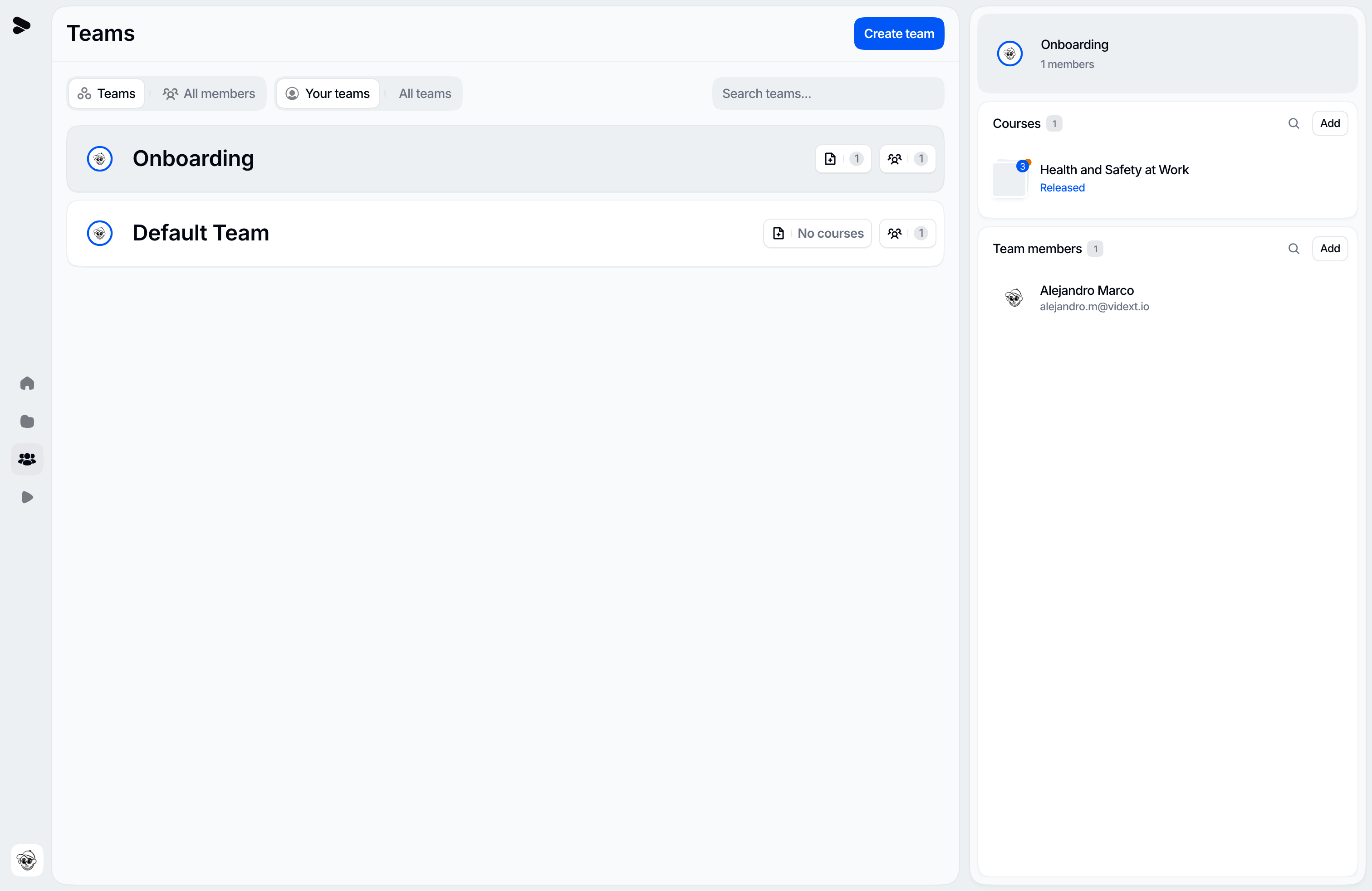
Create teams
Organization admins create teams in Settings → Teams with Create team: a name, an optional description and color, and the organization members to include. Every organization also has a Default team, which people who join on their own land in.
To fill a team later, use Add members: it picks from people who are already in your organization. Someone new joins the organization first (see Members, invites, and join requests) and is then added to the team.
A team that still has courses assigned can't be deleted; unassign its courses first.
Put modules into a course
Courses live on the Modules and courses page, under Courses. A course you planned with Vidext's agents in the chat is already there, with its modules in it. To build one by hand, use Create course, then Add modules in its menu:
- Any module can be added, built or not. A built module is one whose current version is frozen and ready to go out; built modules go live (learners get them) when the course is published.
- The order in the course is the order learners follow; drag modules to reorder them.
- A module sits in one course at a time. Each module in the picker shows the course it is in, and adding it to yours moves it after you confirm. If it was live in its old course, learners stop seeing it until you publish yours.
- Remove from course takes a module out and leaves it in your library. Deleting a course leaves its modules in the library too.
Assign teams
Use Assign teams in the course's menu to choose who receives it. A course can go to several teams, and you can assign them before the course is published, so it is ready the moment you publish, or after.
- On a course that is not published yet, assigning teams enrolls nobody. Everyone on them is enrolled when the course is first published.
- On a published course, the members of a newly assigned team are enrolled at once.
- Anyone who joins one of those teams later is enrolled in its published courses automatically.
Each newly enrolled learner gets one enrollment email. The details, including the ways of joining that enroll without an email, are in Enrollments.
Unassigning a team takes the course away from its members; their progress is kept. There is no per-learner enrollment to manage.
Organization admins can assign teams to any course. An admin of a team that a course is already assigned to can change that course's teams too.
Publish the course
Assigning teams does not deliver anything by itself: a course reaches its teams only when it is published. Publishing, updates, withdrawing modules, unpublishing, and archiving are covered in Publish a course. Once a course is published you can also deliver it in other languages — see Course languages.
Structure teams well
Model teams around who learns what, not the org chart:
- Audience teams ("Support — EMEA", "New hires Q3") map cleanly to course assignments.
- One person, many teams is normal: people get the courses of every team they are on.
- A team per location or function only helps if those groups genuinely train differently.
Team roles
Within a team, people are admins (manage the team and its course assignments) or learners (receive its courses). Only organization admins can make someone a team admin. Team roles never grant building or publishing: those come from the organization role. See Roles and permissions.
Last updated on